
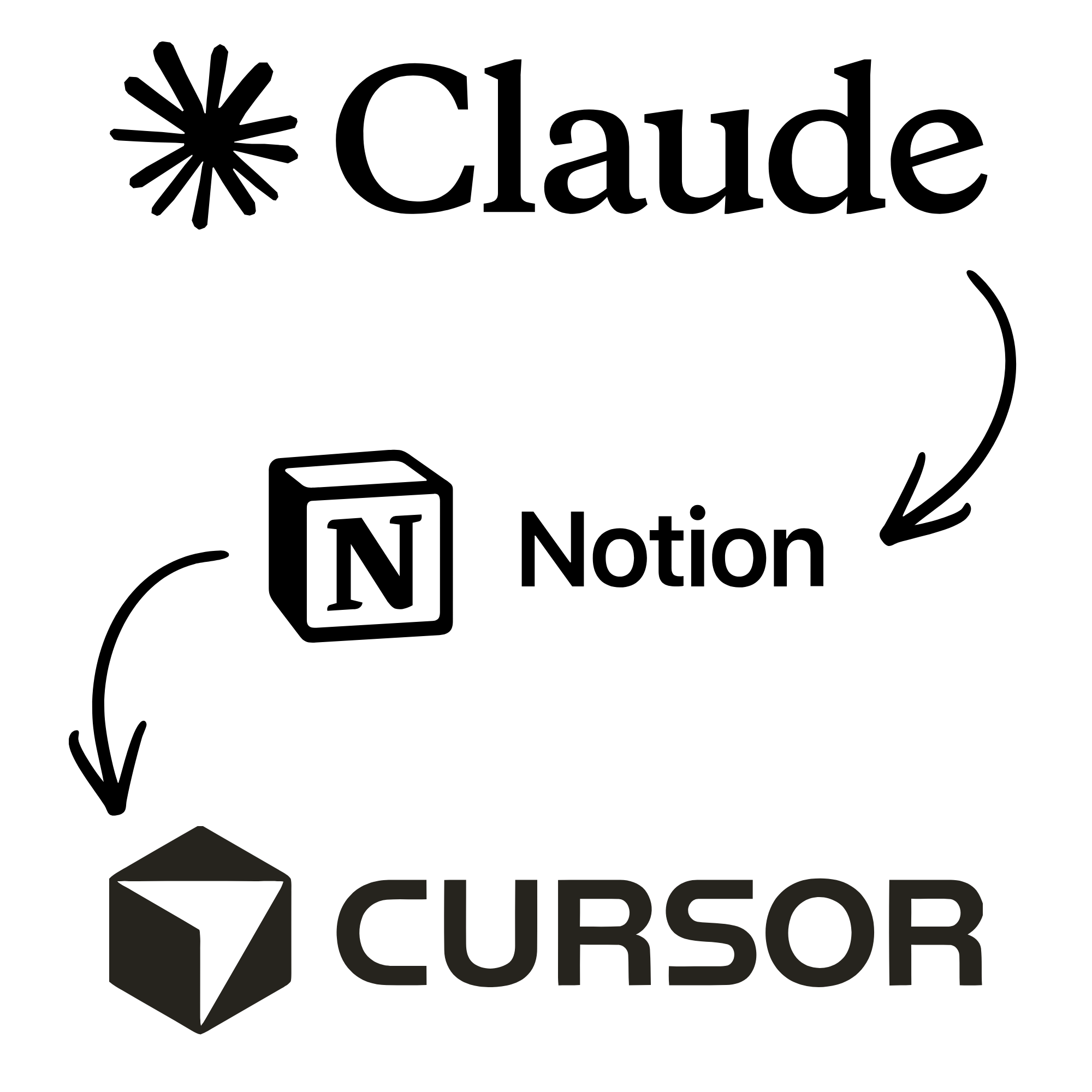
Our Claude Marketing AI agent is good at spotting what needs to change on our website. A new positioning shift, updated copy, restructured service pages. But when those changes required structural development work (new components, layout changes, logic), Claude was slower and less capable than a proper development environment. Cursor has more context, can test outcomes, and works better with code at scale.
So the handoff used to look like this: Claude identifies the change, we manually brief a developer, the developer works on it, submits for review. That middle step, the manual briefing and task management, was the bottleneck.
We fixed it by building a virtual developer.
The architecture
We connected three systems: a Notion task board, Cursor Cloud Agents, and GitHub, with Vercel generating preview deployments for every pull request.
Here is how the loop works:
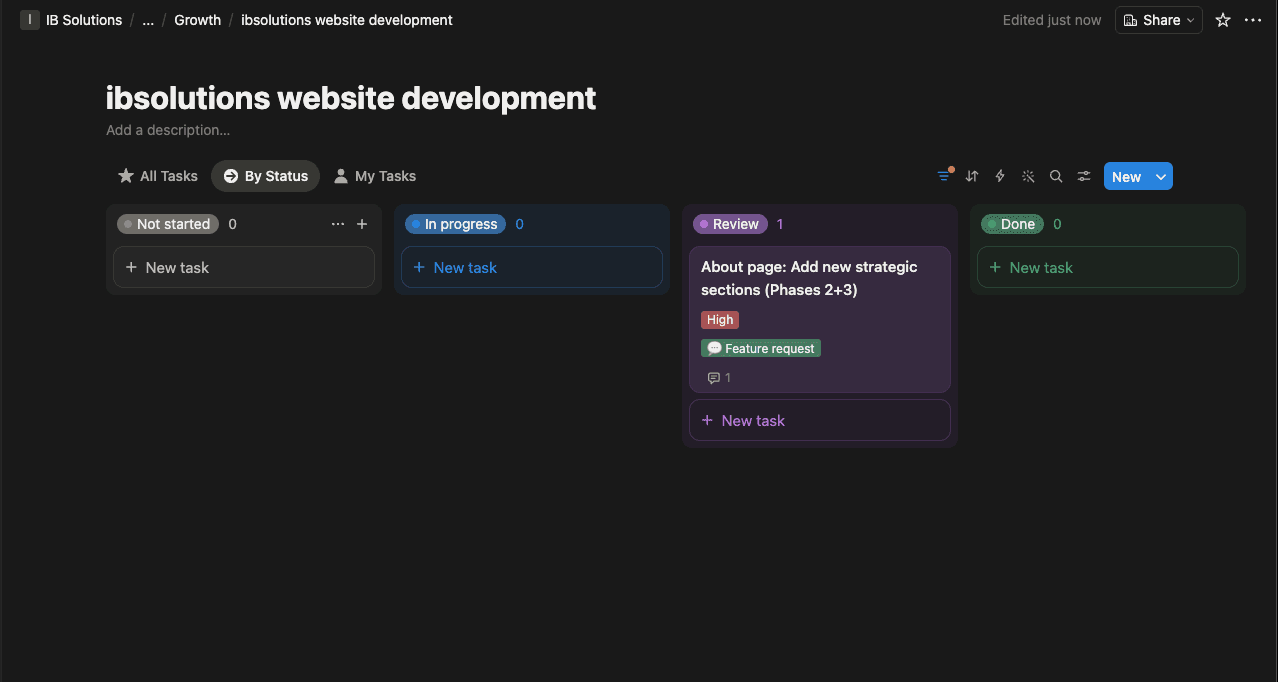
- Our Claude Marketing AI agent identifies a structural website change and creates a task in the Notion board with a full description of what needs to happen.
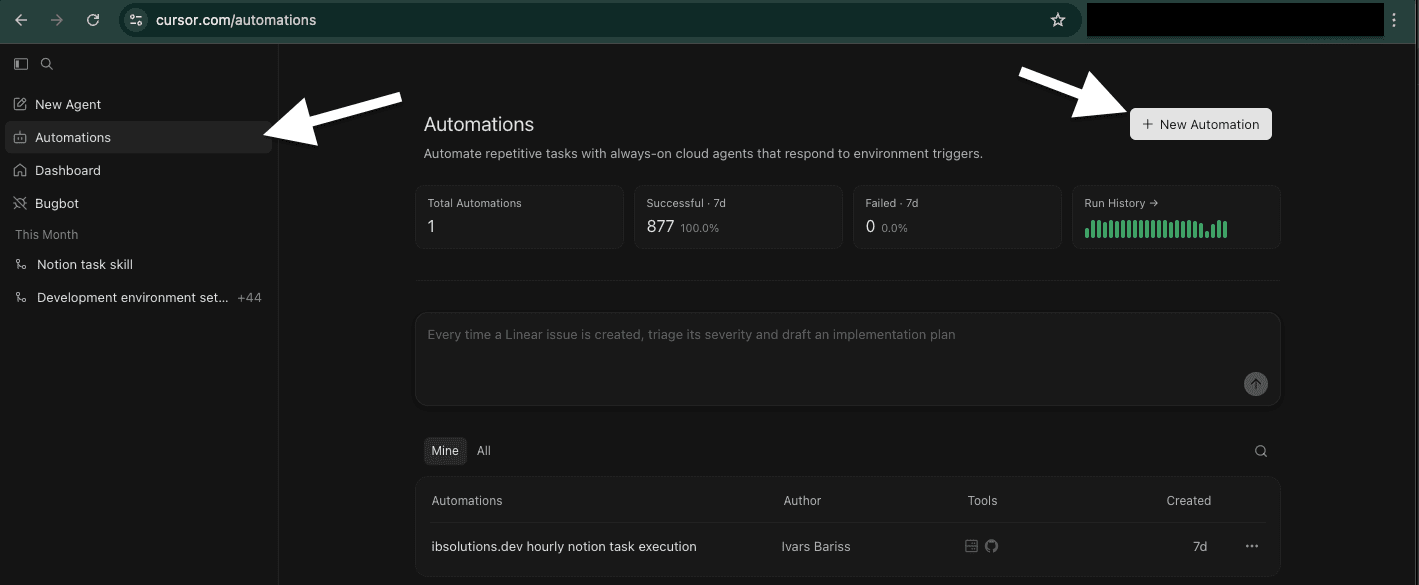
- A Cursor Cloud Agent checks the Notion board every 10 minutes using Cursor Automations.
- When it finds an open task, it moves the task to In Progress and starts working in a cloud environment that mirrors our local development setup.
- The Cloud Agent has GitHub MCP enabled, so it reads our codebase, makes the changes, and creates a pull request.
- Vercel, connected to our GitHub repository, automatically generates a preview deployment for that PR.
- The Cloud Agent moves the Notion task to Review.
- We review the Vercel preview visually and the code in the PR, then merge or request changes.
How we actually use it
The system solved more than just the Claude-to-developer handoff.
Tasks from anywhere. The Notion board is the single interface. We have assigned tasks to the Cursor developer from a phone multiple times. The Cloud Agent picks them up and works on them while we are away from the computer.
Review from anywhere. Vercel preview URLs work on any device. We can review a structural website change on a phone during lunch without opening a code editor.
Clear separation of concerns. Claude owns marketing strategy, content, and growth decisions. Cursor owns code execution. Neither tries to do the other's job. This was a deliberate architectural choice after seeing Claude struggle with complex structural changes that Cursor handles well.
| Step | Before | After |
|---|---|---|
| Change identified | Claude flags it in conversation | Claude flags it in conversation |
| Task created | Manual brief writing | Claude creates a Notion task automatically |
| Developer assigned | Manual assignment and management | Cursor Cloud Agent picks it up within 10 minutes |
| Code written | Developer works locally | Cloud Agent works in cloud environment |
| PR submitted | Developer pushes and notifies | Cloud Agent creates PR automatically |
| Preview available | Deploy manually or wait | Vercel generates preview instantly |
| Review | Team reviews | Team reviews (same as before) |
Setting up MCP for Cloud Agents
Enabling MCP connections for Cursor Cloud Agents requires a specific configuration step. We enabled GitHub MCP so the agent can read and write code and create pull requests, and Notion MCP so it can read the task board and update task statuses.
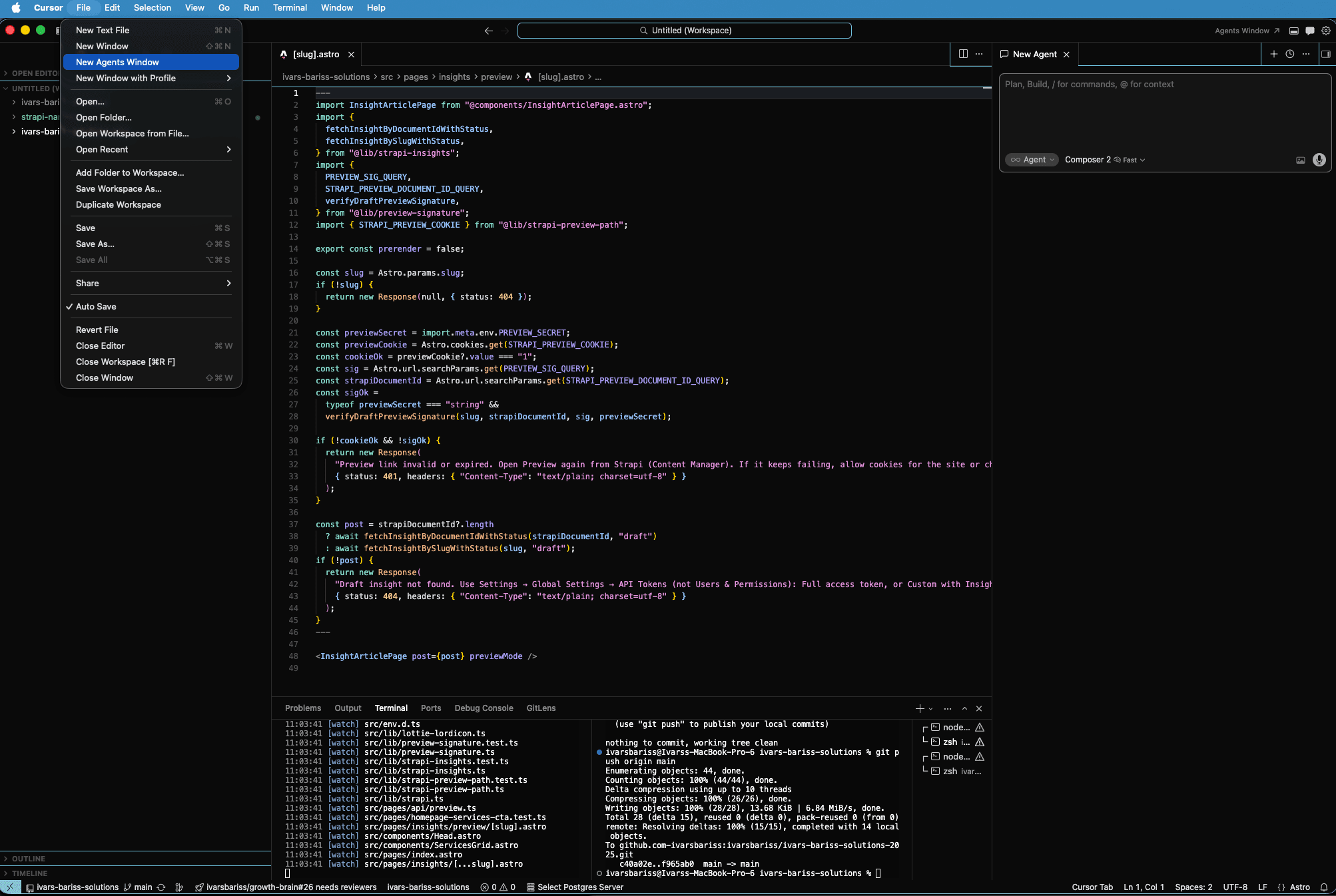
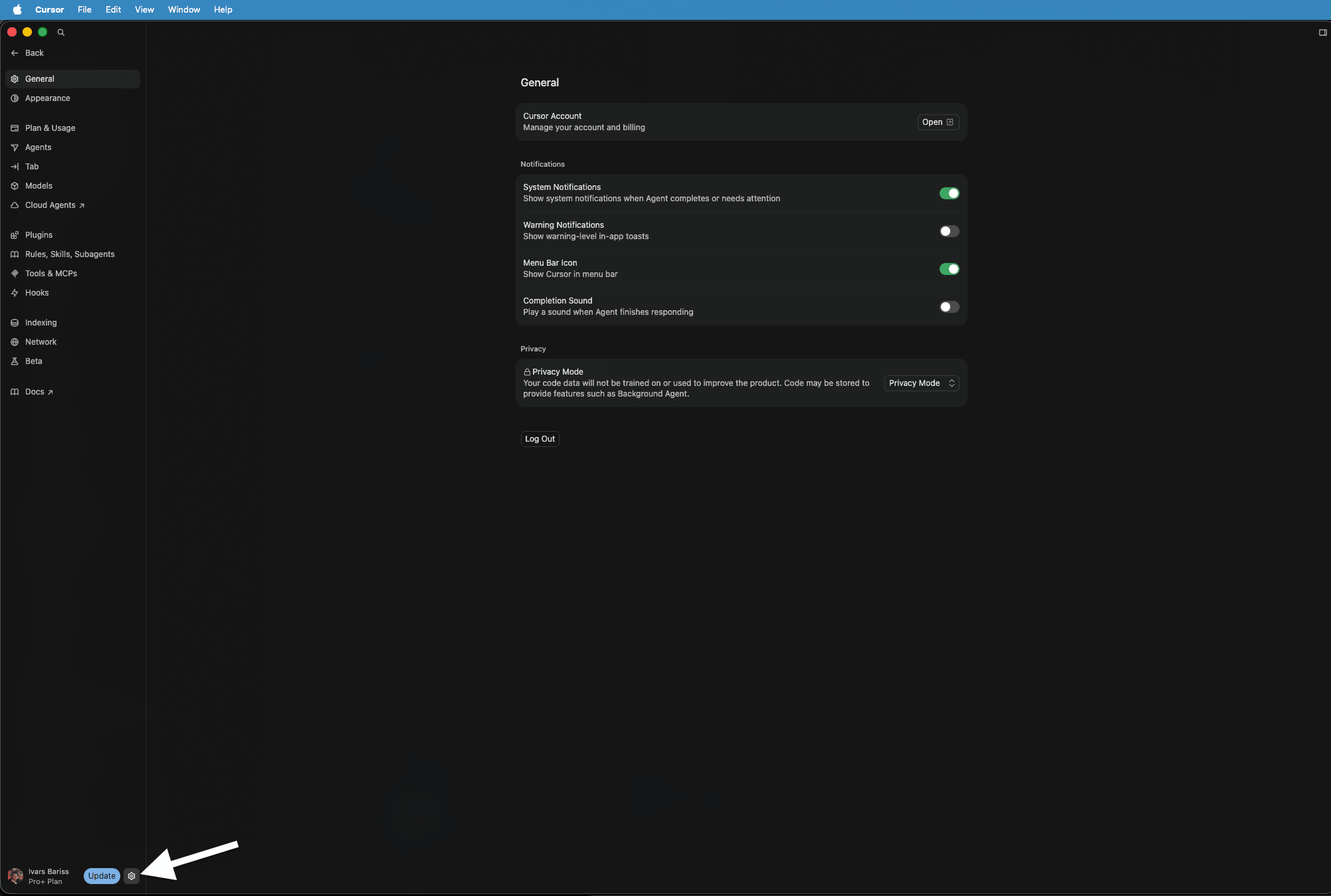
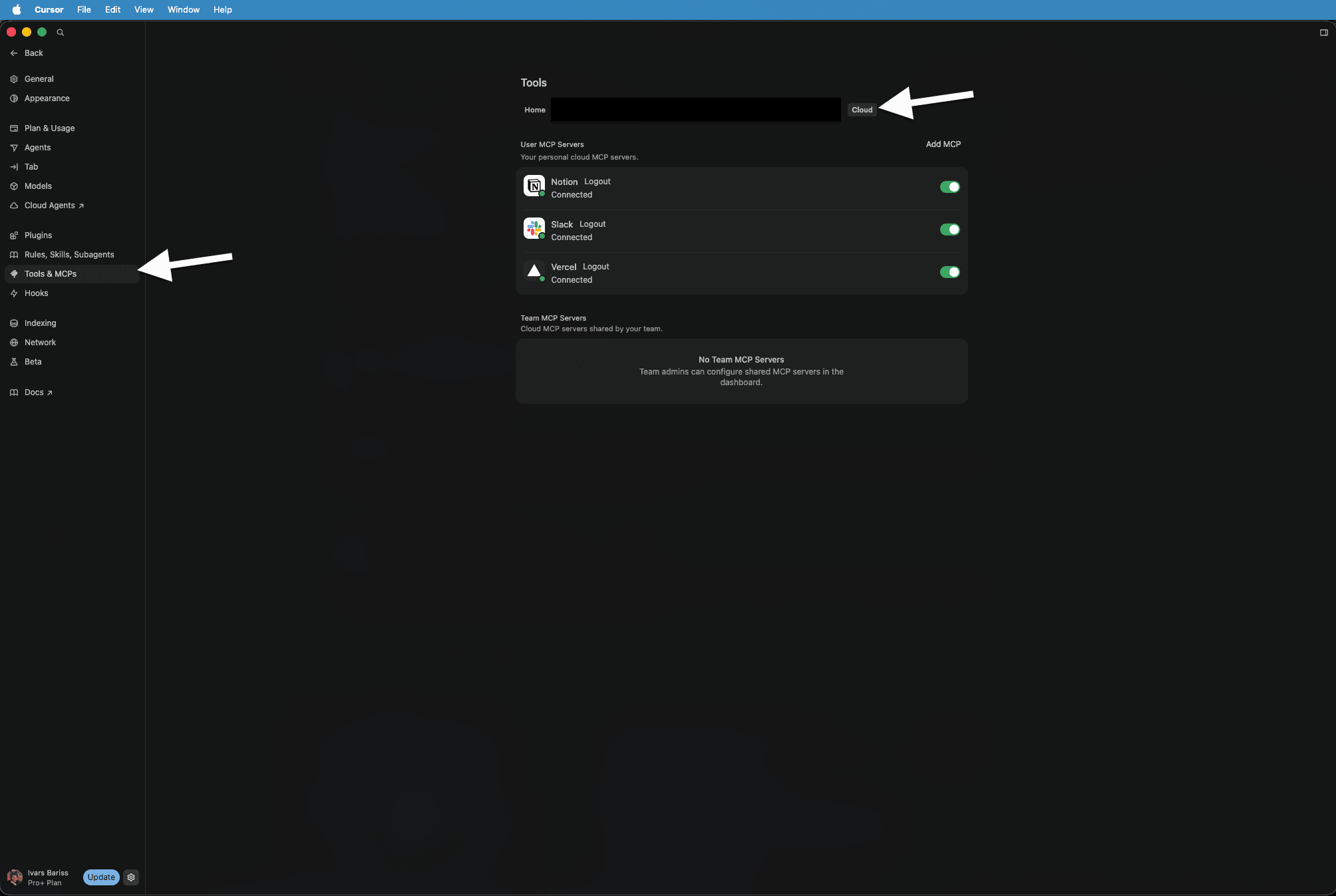
The Cursor Automations feature is what makes the polling possible. We set a simple automation that tells the Cloud Agent to check the Notion task board every 10 minutes and pick up any open tasks.
What we still own
This is not a fully autonomous system. We own the code review. We own the quality of the code. We own the quality of the outcome.
The Cloud Agent is a developer that works fast and never forgets to check its task board. But it still needs a human reviewing the pull request, checking the Vercel preview, and deciding whether the work meets the standard. This mimics how we manage any developer, whether biological or virtual. The review layer does not get automated away.
The limitation worth knowing
Not every task belongs in this workflow. The system works well for clearly scoped tasks: update a layout, add a component, restructure a page section. Tasks that need rapid back-and-forth feedback or require judgment calls about design direction are better handled in a live Cursor session where we can iterate in real time.
Knowing which technical tasks are simple enough for the Cloud Agent, and which need a hands-on session, is a skill that comes with using the system. We are still refining that boundary.
What this means beyond our own workflow
We always test new architecture on ourselves before rolling it out to clients. This pattern works for any team that has repeatable, clearly scoped development tasks.
For our clients, this means development capacity that runs continuously alongside the marketing and operations systems we build. The same separation of concerns applies: we manage the strategy layer, the Cloud Agent handles execution, and we review every outcome before it reaches production.

Need Similar Solutions?
If you're facing similar challenges or want to explore how I can help with your project, let's talk.
