
Audio is showing up in places it didn't used to. Podcast-style article narration, accessibility-driven audio versions of long-form content, AI assistants that read articles aloud. The question we kept hitting on client work was simple: how do you generate that audio cleanly from a CMS without making it the editor's problem?
Strapi is the CMS layer we reach for most. ElevenLabs is the voice provider we trust for production audio. There wasn't a clean way to connect the two. So we built one and published it free on npm.
Strapi Narration at a glance
What it does
Strapi Narration adds a single custom field to any content type. The field holds two things: a reference to the voice the entry uses, and a reference to the generated MP3 in the Media Library. No extra short-text fields, no parallel media uploads, no helper tables. One field, one entry.
Configuration lives in Content-Type Builder where editors expect it. You pick which fields the audio is generated from (a title, a body, a summary, blocks from a Dynamic Zone), set an optional default voice, and choose which block types are included when the source is rich text. Different content types can have different rules without forking the plugin.
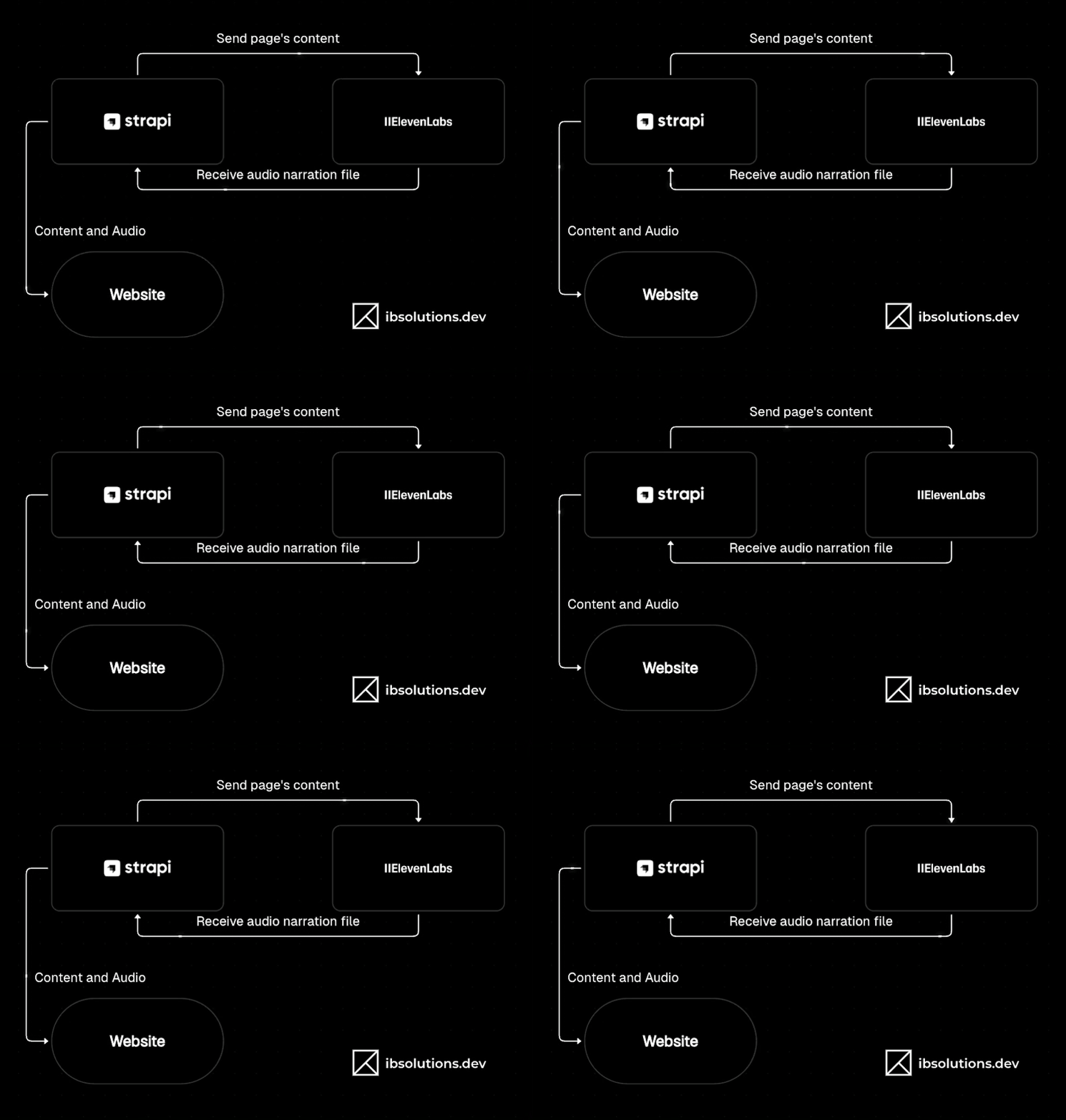
Generation happens inside the Strapi admin, from the form the editor is already looking at. They pick a voice, click generate, and the MP3 comes back attached to the entry. There's a dry-run mode for staging environments so you can wire it up and test the flow without burning ElevenLabs credits.
What we had to solve
Connecting an API isn't the work. The work is everything around it: the editor's edge cases, the dev cycle, the cost of getting it wrong. Here's what we ran into and how we handled it.
Some elements in an entry (shortcodes, callouts, markup) read like noise when spoken. We added a pattern config so editors can mark which elements to skip before generation.
Iterating on core logic burned API credits before the code was ready. We built a dry-run mode that runs the full pipeline and returns a placeholder MP3, so iteration is free.
When narration fails, it's hard to tell whether it's the API key, the network, the model, or our code. We added a connection test that generates a short hello, so editors get a definitive yes or no on the integration.
Every project narrates different fields in different orders. We made the source fields configurable per content type, with adding, removing, and reordering from Content-Type Builder.
Narration jumped straight from one field to the next, so the audio felt rushed. We added a configurable pause between fields, so the rhythm matches how a human would read it.
MP3s need to be regenerated, and sometimes the new generation is worse than the old one. The field supports regenerating in place, disconnecting the current MP3, and manually relinking a previous version from the Media Library.
Try it
The plugin is available on the Strapi Marketplace. The source is on GitHub and it's also published as strapi-plugin-narration on npm. It works with Strapi v5 and Node 20+. The README walks through installation, configuration, and content-type setup.
If you're working on a larger Strapi project where narration is one piece of a broader CMS, AI, or operations integration, we're happy to help. That's the work we do.

Need Similar Solutions?
If you're facing similar challenges or want to explore how I can help with your project, let's talk.